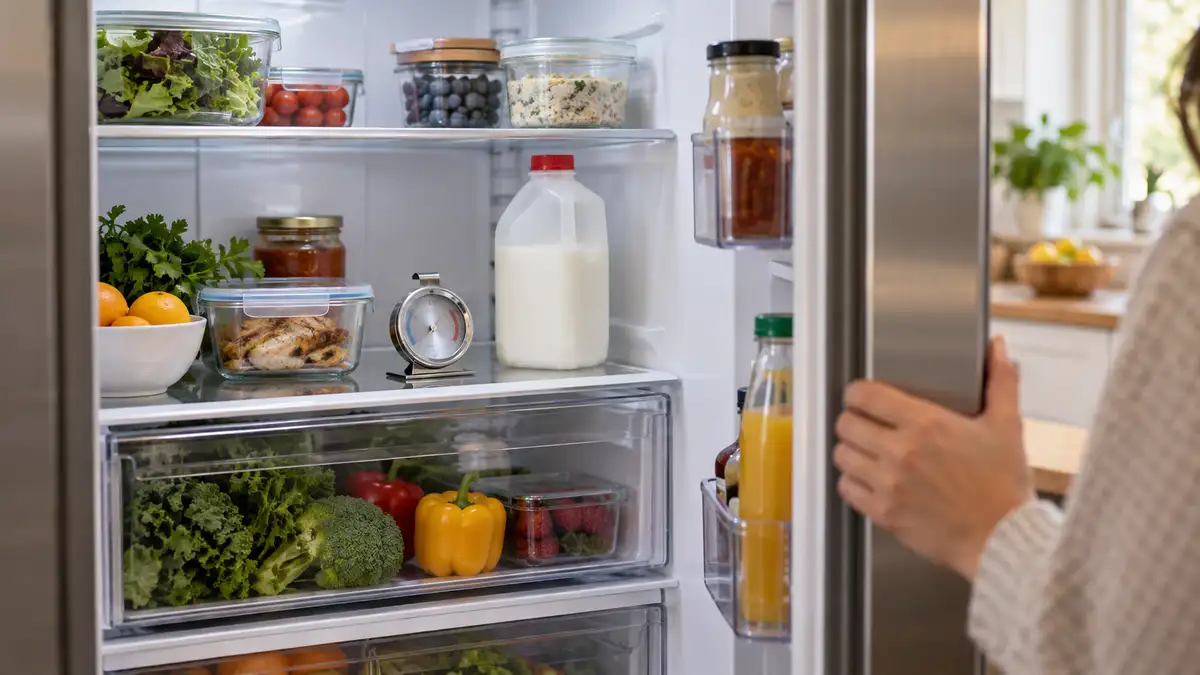
You open the refrigerator, reach for the milk, and notice it isn’t as cold as it should be. The light works. Something is humming. You close the door, turn the temperature down, and wonder whether you’re about to lose a week’s groceries.
A refrigerator can run without cooling properly because of blocked airflow, dirty condenser coils, a leaking door seal, incorrect cooling settings, or an internal fault. Hearing a fan or hum doesn’t prove the compressor is working. Check the actual temperature in both compartments, protect your food, and then work through the basic checks below.
The freezer’s temperature is a useful clue. So is when the problem started. Together, they can help you decide what to check—and when it’s time to stop troubleshooting.
First, Protect Your Food
Use an appliance thermometer rather than judging the temperature by touch. Depending on your model, the control panel may show the selected setting instead of the temperature your food is experiencing.
According to FoodSafety.gov, the refrigerator should stay at 40°F or below, and the freezer at 0°F or below.
If the refrigerator is warming, move still-safe perishables to another working refrigerator or a cooler with enough ice to maintain 40°F or below. Discard perishable foods such as meat, poultry, fish, eggs, and leftovers that have been above 40°F for two hours or more. The limit is one hour when food is exposed to temperatures above 90°F.
Don’t taste food to test it, and don’t assume it’s safe because it smells normal.
An unopened refrigerator can keep food cold for about four hours during a power outage. That estimate is not a new four-hour allowance after discovering a refrigerator that may already have been warm for hours.
Does the Sound Mean the Refrigerator Is Working?
Not necessarily. Fans, the ice maker, and the compressor all make sounds. You may hear one component while another isn’t operating correctly.
For example, Samsung explains that on certain models, the fans and lights continue working in Cooling Off mode while the compressors remain off. The refrigerator looks active, but it isn’t cooling.
Long running times alone aren’t proof of a fault, either. Some high-efficiency compressors normally operate for extended periods at varying speeds. What matters is whether the appliance maintains the correct temperature, as Whirlpool’s troubleshooting guide explains.
Listen without removing covers or touching components. Note any new clicking, scraping, or unusually loud humming, but avoid choosing a replacement part based on sound alone.
Is the Freezer Cold, or Are Both Compartments Warm?
Check both compartments with a thermometer. Use the pattern to guide your next step, not to make a final diagnosis.
| What you notice |
What it can point toward |
Your next step |
| Refrigerator warm; freezer near its normal temperature |
Restricted airflow or a problem specific to the refrigerator compartment |
Clear visible vents and check the model’s cooling arrangement. |
| Refrigerator and freezer both warming |
Cooling settings, heat-release problems, or an internal cooling fault |
Check controls, door closure, and ventilation; arrange service if warming continues. |
| Heavy frost or a scraping sound inside |
Ice interfering with airflow or a fan |
Photograph visible frost and note the sound without removing panels. |
| Warming after installation or a large grocery load |
A temporary cooling demand or an installation issue |
Follow the model’s cooling-down instructions while storing perishables safely elsewhere. |
Some refrigerator-freezers send cold air into the fresh-food compartment through vents and an air-control door called a damper. A blocked passage can leave the refrigerator warm even when the freezer is cold. GE describes how these controls work on applicable models.
Other refrigerators cool the compartments separately. Several Sub-Zero product lines use individual refrigerator and freezer systems. For those appliances, a cold freezer doesn’t rule out a refrigerator-side cooling problem. Our Sub-Zero repair services address these model-specific concerns.
Five Checks You Can Make Before Calling for Repair
1. Check the Temperature Settings and Cooling Mode
Look for a changed setting, an off indicator, or a demo/showroom mode. Check both compartments if they have separate controls.
On applicable Samsung models, “OF OF” or “O FF” can indicate Cooling Off mode. Use the instructions for your exact model to turn cooling back on. Button combinations vary.
Photograph unfamiliar error messages before changing anything. If a setting needs adjusting, make the change described in the manual rather than repeatedly turning the control colder.
2. Clear the Interior Air Vents
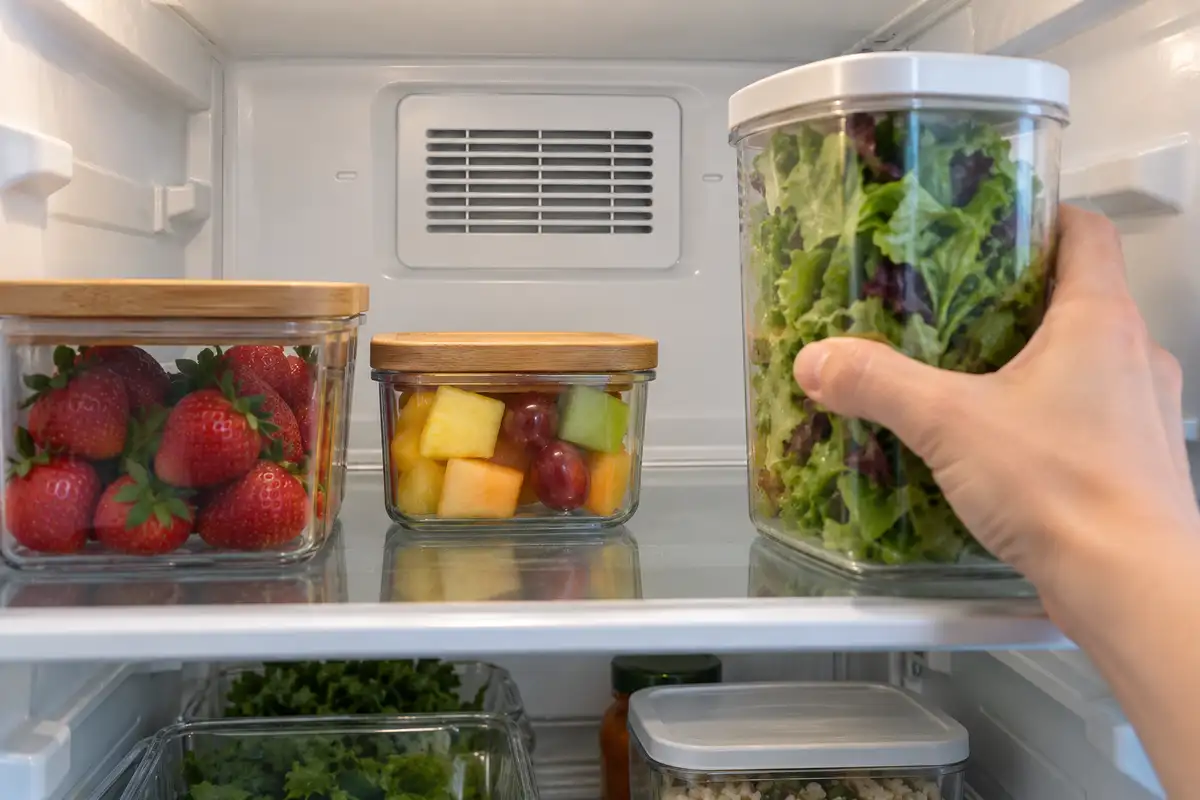
Look for food packages pressed against the vents in the refrigerator and freezer. Move them aside so air can circulate.
Think about what changed recently. A large tray pushed against the back wall after a grocery trip may be blocking an opening that was clear yesterday. Reorganizing that shelf is a sensible first check; buying a fan motor isn’t.
Use the owner’s manual to locate vents, since their positions differ between models. Leave room around them instead of packing every available gap.
3. Make Sure the Doors Close and Seal
A container, drawer, or misplaced shelf can hold the door slightly open. Check for obstructions before assuming the gasket needs replacing.
Inspect the rubber seal around each door. Look for crumbs, sticky residue, tears, or sections pulling away from the frame. Clean it according to the manufacturer’s instructions and check whether the door closes fully afterward.
A persistent gap needs attention. Warm air entering through that gap can make temperature control harder, even though the refrigerator keeps running.
4. Check the Coil-Cleaning Instructions
Condenser coils release heat. On models that require cleaning, accumulated dirt can reduce cooling efficiency.
However, coil cleaning isn’t identical for every appliance. GE notes that many of its models have coils that do not require routine cleaning.
If your manual provides a homeowner cleaning procedure, unplug the refrigerator and follow it. Don’t remove electrical covers or pull a built-in refrigerator from its enclosure to search for coils.
After the immediate problem is resolved, our appliance maintenance guide can help you plan routine care. Your model’s instructions should take priority whenever requirements differ.
5. Check Ventilation and the Room Temperature
Keep the base grille clear and compare the space around the refrigerator with its installation manual. There isn’t one clearance measurement that works for every model.
If you keep a second refrigerator in a Jacksonville garage, check its permitted operating-temperature range. An indoor model may struggle outside the conditions it was designed for. Nearby heat sources can also affect performance.
Whirlpool’s cooling guidance covers blocked vents, installation conditions, and temperature changes after adding food or opening the doors frequently.
Internal Problems That Can Stop Cooling
If those checks don’t explain the problem, a technician may need to test the internal components. Here are the main possibilities and why the symptoms can overlap.
A Fan Isn’t Moving Air Properly
The evaporator fan helps circulate air over the cooling coils and through the compartment. A condenser fan, where fitted, helps remove heat around the condenser and compressor.
A fault in either can affect cooling. However, a fan that isn’t heard at a particular moment isn’t automatically broken: operation depends on the model and operating state. It needs proper testing before replacement.
Frost Is Blocking Airflow
Ice around a fan or cooling coil can interfere with circulation. A defrost-system problem is one possible cause, but warm air entering through an incompletely closed door can also contribute to frost.
LG’s fan-error guidance explains how ice can prevent a fan from turning. Seeing frost is a clue, not proof that one particular heater, sensor, or fan has failed.
Don’t chip away ice or use a hair dryer. If your manufacturer recommends manual defrosting, move the food first and follow its instructions. Samsung warns that melting ice around a noisy fan may remove the symptom without correcting the underlying cause.
A Damper, Sensor, or Control Isn’t Responding Correctly
On shared-airflow models, a damper regulates how much cold air reaches the refrigerator. Temperature sensors and controls help manage cooling operation.
Problems in these systems can leave a compartment warm or cause inconsistent cooling. A control-panel reading that seems wrong is worth reporting, but it doesn’t establish which component needs replacing. Sub-Zero’s troubleshooting guidance includes sensor and thermostat faults among possible causes of warm temperatures.
The Compressor Isn’t Starting—or Isn’t Cooling Effectively
The fans can run while a starting-component problem prevents the compressor from operating. A compressor can also run without producing adequate cooling when there is a compressor or sealed-system fault.
That’s why a hum alone doesn’t clear the compressor of suspicion. These failures require diagnosis rather than repeated resets or trial-and-error parts replacement. Sears Home Services describes both situations, including the need for professional service when the compressor runs but the refrigerator does not cool.
When Should You Stop Troubleshooting?
Arrange service if both compartments continue warming, the basic checks reveal no clear explanation, or cooling improves briefly and then fails again. A recurring frost or fan-noise problem also deserves diagnosis.
Manufacturers may allow around 24 hours for temperatures to stabilize after installation or a setting change. That doesn’t mean you should leave food in a warm refrigerator for a day. Store perishables elsewhere until safe temperatures return.
Before calling, collect:
- The brand, model number, and approximate age.
- Measured temperatures in both compartments.
- When the warming started and whether there was a power interruption.
- Photos of error messages or visible frost.
- A description of unusual sounds and the checks you’ve tried.
If you notice smoke, sparking, or a burning electrical smell, stop troubleshooting and disconnect power only if you can do so safely. Keep clear of damaged wiring or wet electrical connections.

Does a Refrigerator That Won’t Cool Need Replacing?
Not automatically. A blocked vent, door problem, and major cooling-system failure are very different situations.
Get a diagnosis and written estimate first. Then weigh the appliance’s condition, repair history, warranty coverage, and the full cost of replacement, including installation. Avoid making the decision from a symptom alone.
If you do decide to replace it, our refrigerator selection guide can help you compare space requirements, storage needs, and configurations.
Refrigerator Still Running but Not Cooling?
Once you’ve checked settings, vents, door closure, and the maintenance instructions, you don’t need to keep guessing. Let a technician identify the fault before you spend money on parts.
Atlantic Coast Appliance provides refrigerator repair in Jacksonville and nearby communities, including Atlantic Beach and Ponte Vedra. Call 904-249-4426 to describe the problem and request a service appointment.
Keep your food safely chilled while you arrange help. You don’t need to know which part failed—just tell us what you’ve noticed.